

A drag-and-drop website builder is a tool that lets you create a website by placing and arranging elements on a page visually, instead of writing code. You build pages by dragging sections, images, text, buttons, and forms into place, then customize the layout using a visual editor.
Many modern website builders include AI tools for generating websites and content, e-commerce and blogging features, appointment booking, SEO tools, analytics, and web hosting—all in one platform.
The choice of the best drag-and-drop website builder depends on what you want to create. Some platforms are designed for online stores, while others focus on portfolios, business websites, landing pages, or content-heavy sites.
Top 12 Drag-and-Drop Website Builders at a Glance
| Builder | Best For |
|---|---|
| Hostinger Website Builder | Beginners, small businesses, AI tools, hosting, and ecommerce |
| Squarespace | Portfolios, blogs, creative professionals, and service-based businesses |
| Wix | Businesses wanting extensive customization and a large selection of built-in features |
| Canva | Portfolios, event websites, landing pages, and simple websites |
| Jimdo | Freelancers, sole traders, and small businesses managing bookings, payments, and websites |
| Shopify | Online stores, from launching first products to scaling established e-commerce businesses |
| Weebly | Personal websites, blogs, and small businesses needing a straightforward website |
| HubSpot | Businesses focused on lead generation, marketing, and customer management |
| SITE123 | Small business websites, restaurants, appointment-based services, and multilingual websites |
| Webflow | Designers, agencies, and businesses wanting advanced design control |
| Duda | Agencies, freelancers, and teams managing multiple client websites |
| GoDaddy Website Builder | Small businesses wanting a website, online marketing, and appointment scheduling |
1. Hostinger Website Builder.
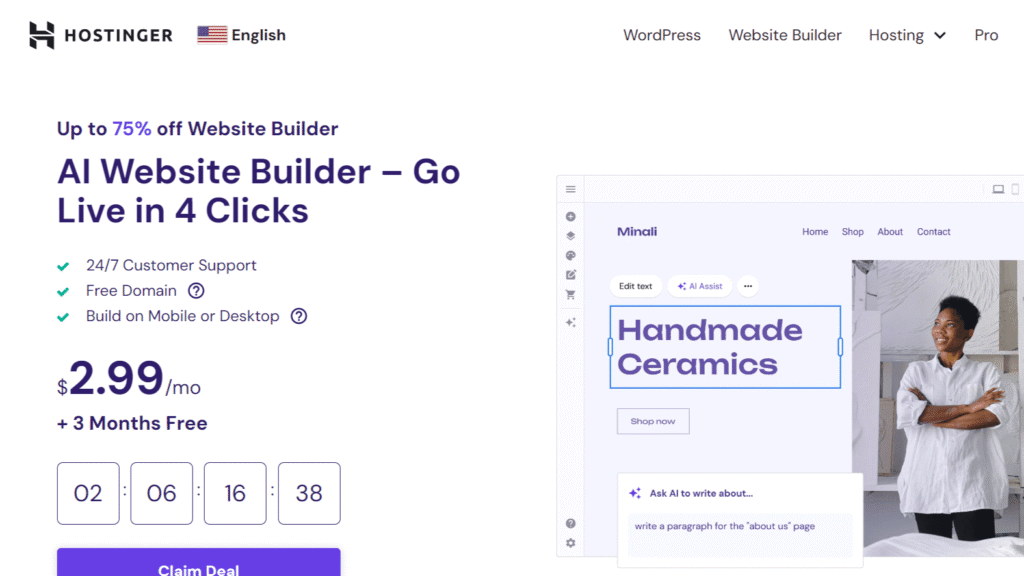
Hostinger Website Builder combines a drag-and-drop editor with AI tools, making it easy to create a website without coding. You can start from a template or generate a website by describing your project, then customize every page with the visual editor.
Pros:
- More than 400 website templates for blogs, portfolios, business websites, landing pages, and online stores
- Built-in AI tools for writing copy, creating blog posts, generating images and logos, and improving SEO
- Paid plans include web hosting, SSL certificates, a free domain for the first year (eligible plans), and SEO tools
- Printful integration, 0% Hostinger transaction fees, support for multiple payment gateways, and tools for selling physical and digital products
Cons:
- No FTP, SSH, Git, file manager, database access, or PHP configuration
- Custom functionality is limited to supported integrations and custom code snippets
Pricing:
- Premium plan: $2.99/month – up to three websites, web hosting, free domain for the first year, SSL certificates, more than 300 templates, and AI website creation tools
- Business plan: $3.99/month – adds e-commerce features, advanced AI tools, analytics, and support for selling products online
CLAIM 20% OFF THROUGH OUR REFERRAL
2. Squarespace
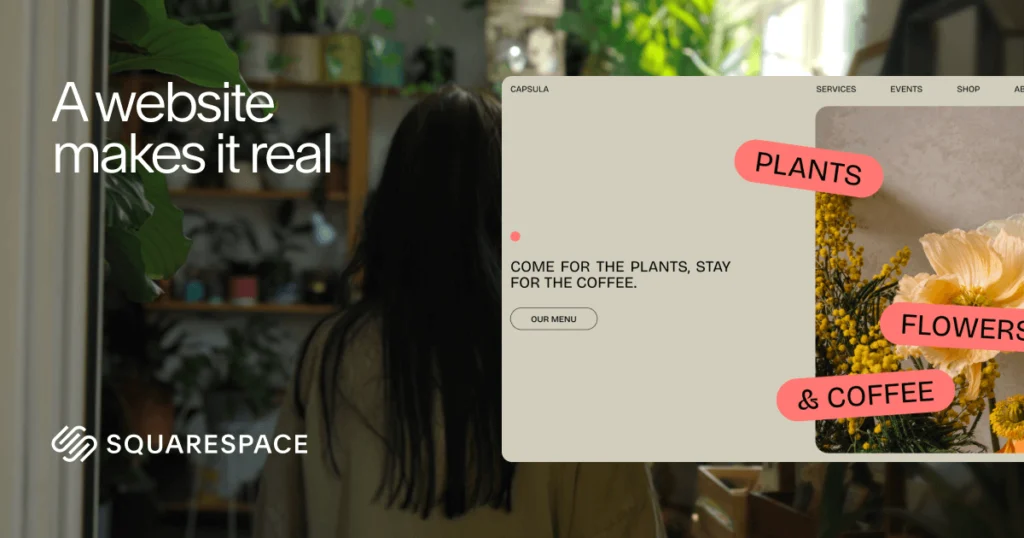
Squarespace is a drag-and-drop website builder with a strong focus on design, branding, and content-driven websites. You can start with a designer-made template or generate a site with Blueprint AI, then customize layouts using the Fluid Engine visual editor.
Pros:
- Designer-made templates with extensive visual customization options
- Fluid Engine drag-and-drop editor for flexible page layouts
- Built-in blogging, e-commerce, memberships, online courses, and appointment scheduling
- AI tools for website copy, blog posts, SEO content, and product descriptions
- Built-in SEO, analytics, email marketing, and domain management
Cons:
- No third-party plugin ecosystem like WordPress
- No direct access to server files or databases
- Code customization is limited to custom CSS and code injection
Pricing:
- Basic plan: $16/month – website building, hosting, and a custom domain for the first year
- Core plan: $23/month – adds business features and e-commerce tools
- Plus ($39/month) and Advanced ($99/month) plans—more advanced commerce features and lower payment processing fees
3. Wix

Wix is a drag-and-drop website builder that supports everything from personal websites and portfolios to online stores and business websites. You can start with a template or generate a website with AI, then customize every page using the visual editor.
Pros:
- More than 900 website templates
- AI website builder and AI tools for content, images, SEO, email campaigns, and product descriptions
- Built-in e-commerce, bookings, memberships, blogging, CRM, and email marketing
- App Market with hundreds of third-party integrations
- Web hosting, SSL certificates, SEO tools, and a built-in CMS
Cons:
- Full access to the hosting environment is not available
- WordPress plugins are not supported
- Advanced code customization requires Wix Studio or Velo by Wix
Pricing:
- Light plan: $17/month – custom domain for the first year, web hosting, and 2 GB of storage
- Core plan: $14.50/month – e-commerce features, online payments, scheduling, and 50 GB of storage
- Business ($19.5/month) and Business Elite ($79.5/month) plans – expand storage, marketing tools, e-commerce capabilities, and collaboration features
4. Canva

Canva’s website builder uses the same drag-and-drop editor as Canva’s design platform, so you can build a website with the same tools used for presentations, social media graphics, and marketing materials.
Pros:
- Drag-and-drop editor with thousands of website templates
- AI tools for generating website copy, images, and interactive elements
- Built-in library of photos, videos, graphics, illustrations, and animations
- Real-time collaboration and commenting
Cons:
- No built-in e-commerce features such as shopping carts, inventory management, or online payments
- SEO tools are limited to basic metadata
- No access to the hosting environment or server-side code
Pricing:
- Free plan: Drag-and-drop editor, 1.6+ million templates, 4.7 million stock assets, 5 GB storage
- Canva Pro: $144/year – premium templates, 100 GB storage, advanced editing tools
- Canva Business: $250/year per user – team collaboration, 500 GB storage, expanded AI features
5. Jimdo
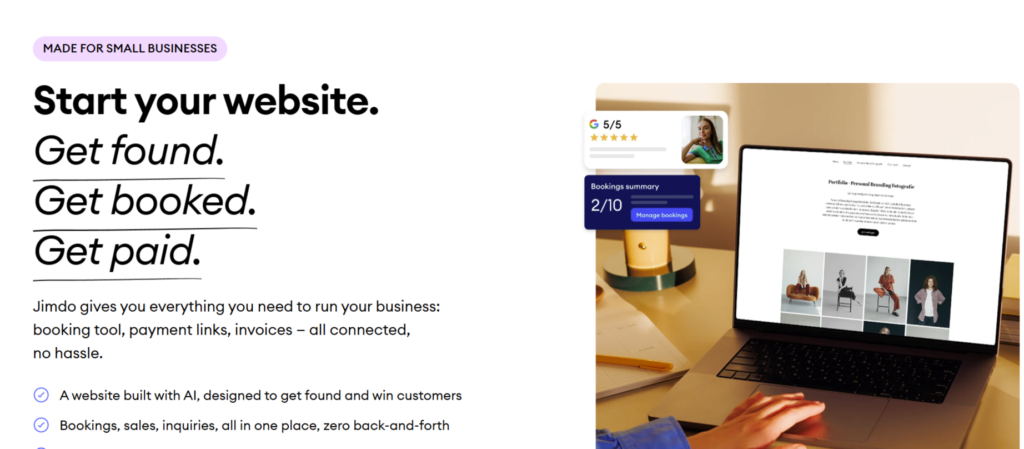
Jimdo is a drag-and-drop website builder aimed at freelancers, sole traders, and small businesses. You can create a website with AI or start building manually, then customize pages with the visual editor.
Pros:
- Built-in booking, invoicing, payment links, and online store tools
- SEO tools and AI-generated website content
- GDPR compliance features and European hosting
Cons:
- Limited template selection
- Limited design customization
- Third-party app ecosystem is limited
Pricing:
- Free plan: .jimdosite.com subdomain, 5 GB of storage
- Start plan: $11/month – custom domain, removes Jimdo branding, advanced SEO tools
- Grow plan: $17/month – visitor statistics, more storage
- Unlimited plan: $49.50/month – 500 GB storage, professional design analysis
6. Shopify

Shopify is a drag-and-drop website builder designed for online stores. You can create a storefront with a ready-made theme, customize pages with the visual editor, and manage products, inventory, orders, customers, and payments from the same dashboard.
Pros:
- Built-in product, inventory, order, and payment management
- Multi-channel selling through websites, marketplaces, social media, and Shopify POS
- AI assistant for store management and content generation
- Shopify App Store with thousands of integrations
Cons:
- Transaction fees may apply when you don’t use Shopify Payments
- Advanced features are available on higher-tier plans or through paid apps
- Limited access to the underlying hosting environment
Pricing:
- Basic plan: $29/month – online store, unlimited products, AI tools, multichannel selling
- Grow plan: $79/month – more staff accounts, lower payment processing rates
- Advanced plan: $299/month – international selling and shipping features
- Shopify Plus: $2,300/month – for large businesses
7. Weebly
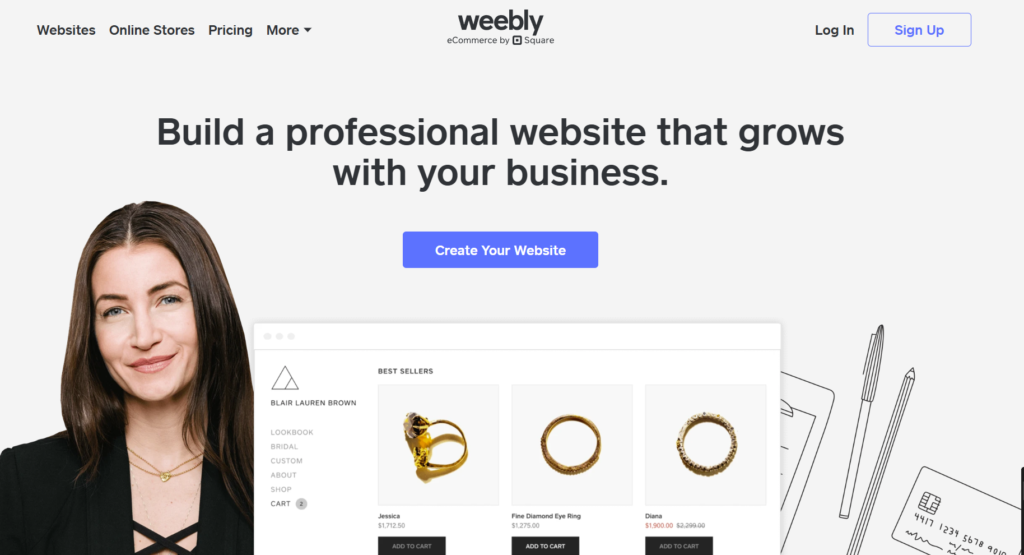
Weebly is a drag-and-drop website builder that remains available, though development has slowed since Square acquired the platform in 2018.
Pros:
- Built-in blogging, ecommerce, and contact forms
- App Center for adding third-party integrations
- SEO tools and custom domain support
- Built-in website analytics and hosting
Cons:
- Limited template selection
- Design customization options are limited
- No access to the hosting environment
Pricing:
- Free plan: Basic website features, SSL, Weebly subdomain
- Personal plan: $13/month – connect your own domain
- Professional plan: $15/month – unlimited storage, advanced statistics, password protection
- Performance plan: $32/month – abandoned cart emails, shipping labels, priority support
8. HubSpot
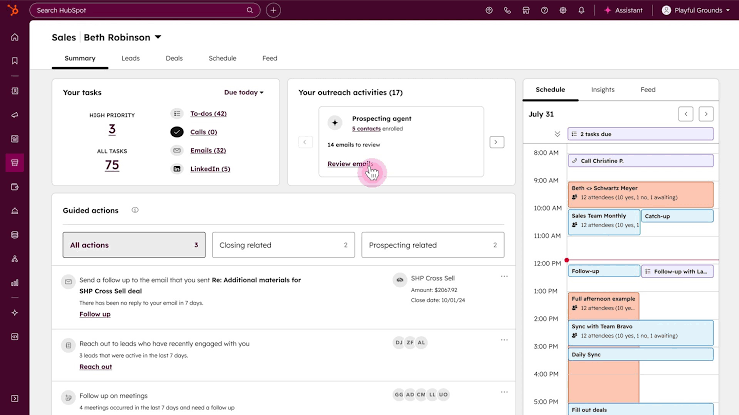
HubSpot’s website builder is part of Content Hub, combining website creation with marketing, lead generation, and customer management tools.
Pros:
- Free CMS with hosting, SSL, and custom domain support
- Built-in CRM that stores website inquiries, form submissions, and live chat conversations
- Hundreds of themes plus support for custom themes, modules, and templates
- Website analytics integrated with HubSpot’s customer platform
Cons:
- E-commerce features are limited
- No access to the underlying hosting environment
- Advanced customization requires HubSpot developer tools
Pricing:
- Free plan: Website hosting, SSL, drag-and-drop editor, CRM integration, up to 30 website pages
- Paid plans: $7/month per seat – custom domains, removes HubSpot branding
- Professional: $450/month (includes three Core seats) – A/B testing, memberships, custom reporting
- Enterprise: $1,500/month (includes five Core seats) – multisite management, content approvals
9. SITE123
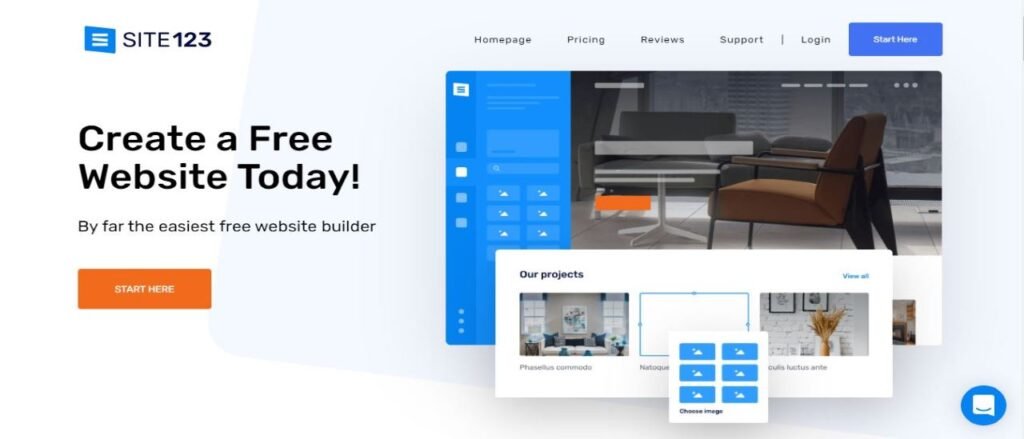
SITE123 is a drag-and-drop website builder for business websites, portfolios, blogs, online stores, restaurants, and appointment-based businesses.
Pros:
- Supports one-page and multi-page website layouts
- Built-in tools for appointment booking, restaurant reservations, and event ticket sales
- Multilingual website support
- App Market for adding live chat, analytics, marketing tools
- Built-in SEO tools and custom domain support
Cons:
- Design customization options are limited
- No access to the hosting environment
- Advanced customization relies on supported integrations
Pricing:
- Free plan: 250 MB storage, 250 MB bandwidth, SITE123 subdomain
- Premium plan: $12.80/month – free domain for the first year, custom domain support, 3 GB storage, e-commerce features
10. Webflow
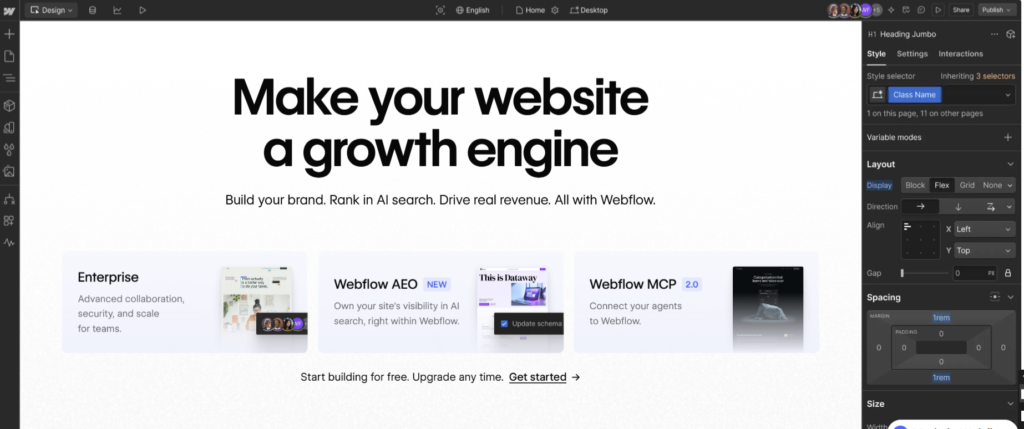
Webflow is a drag-and-drop website builder for designers, agencies, and businesses that want more control over how a website looks and works.
Pros:
- Visual editor with responsive layout controls
- Built-in CMS for blogs and dynamic content
- Custom code support and HTML/CSS export
- Built-in animations and interactions
- Version history, backups, and staging environment
Cons:
- Steeper learning curve than beginner-focused builders
- E-commerce requires a separate plan
- CMS and advanced features are not available on every plan
Pricing:
- Free Starter plan: Webflow.io subdomain, two static pages, 1 GB bandwidth
- Basic plan: $15/month – custom domains, up to 300 static pages, 10 GB bandwidth
- Premium plan: $25/month – adds CMS, 50 GB bandwidth, site search
- Team and Enterprise plans: Collaboration, governance, security features
11. Duda
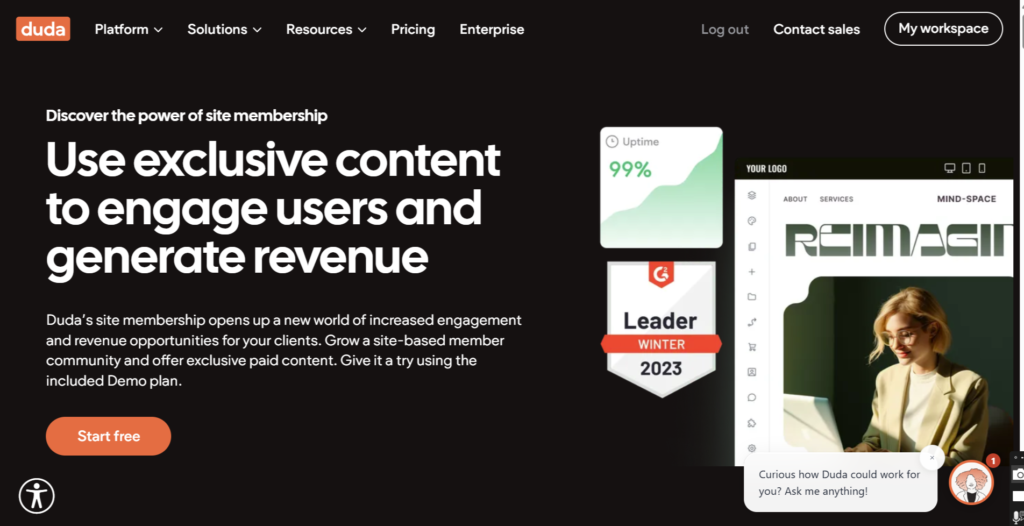
Duda is a drag-and-drop website builder designed for agencies, freelancers, SaaS companies, and teams that build websites for clients.
Pros:
- AI website generation and AI content creation tools
- Team collaboration and client management tools
- Custom widgets, APIs, and custom code support
- Ecommerce, memberships, bookings, and SEO tools
- Built-in hosting, automatic backups, and SSL
Cons:
- Ecommerce features require higher-tier plans
- Limited third-party app ecosystem compared with larger platforms
Pricing:
- Basic plan: $19/month – one website, AWS hosting, unlimited storage, AI tools
- Team plan: $29/month – up to three team members, client management, AI-powered content collection
- Agency plan: $52/month – four websites, code export, custom widget builder
- White Label and Custom plans: For agencies and enterprises
12. GoDaddy Website Builder
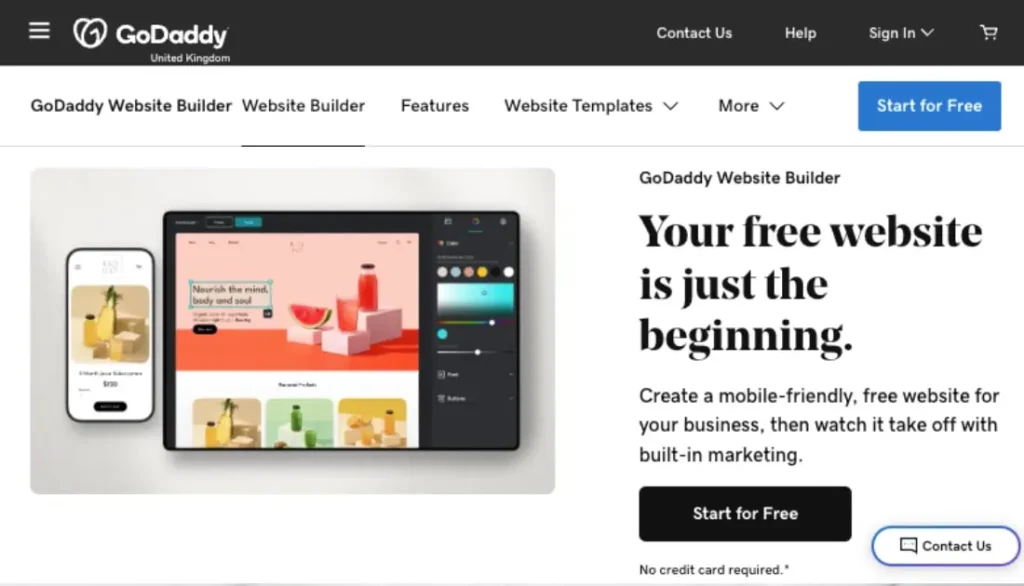
GoDaddy Website Builder helps small businesses create a website and manage their online presence from one dashboard.
Pros:
- Templates for business websites, blogs, portfolios, and online stores
- Built-in email marketing and social media tools
- Appointment scheduling and online payment support
- Ecommerce tools for physical and digital products
- Hosting, SSL, custom domains, and website analytics
Cons:
- No code export
- Advanced e-commerce features are only available on Commerce plans
Pricing:
- Free plan: Website builder, templates, AI credits, hosting
- Basic plan: $9.99/month – custom domain, professional email, analytics
- Premium plan: $14.99/month – adds appointment booking
- Commerce plan: $20.99/month – online store features, unlimited products, multiple payment options
What to Look for in a Drag-and-Drop Website Builder
When comparing drag-and-drop website builders, focus on the features that affect how easy the platform is to use and whether it will meet your needs over time:
- Compare plan features—Check that your plan includes blogging, e-commerce, appointment booking, multilingual support, and membership features if you plan to use them
- Test the AI tools—Use a free plan, free trial, or live demo to build a few pages and test the editing experience
- Check e-commerce limits—Review maximum products, payment gateways, transaction fees, and shipping options
- Review what’s included—Confirm whether hosting, SSL, free domain, business email, backups, and security are included
- Test integrations—Verify connections with your payment provider, analytics, CRM, email marketing, and booking systems
- Compare renewal prices—Look at what you’ll pay after promotional periods end
- Plan for growth – Check whether you can add team members, sell more products, or expand functionality without migrating
Need Help Building Your Website?
At BDC Solutions, we support businesses with:
- 📊 Business Advisory – Strategic guidance to define your online presence
- 🌐 Website Development – Building professional websites tailored to your brand
- 📝 Content Creation – Copywriting, design, and SEO-optimized content
- 🔍 Online Visibility – Digital marketing, SEO, and branding to stand out
Let us help you choose the right platform and build a website that drives results.
📞 Contact us: 0787192428